What's New
The latest features, improvements, and fixes to SkimScout
Discover similar programs from any listing
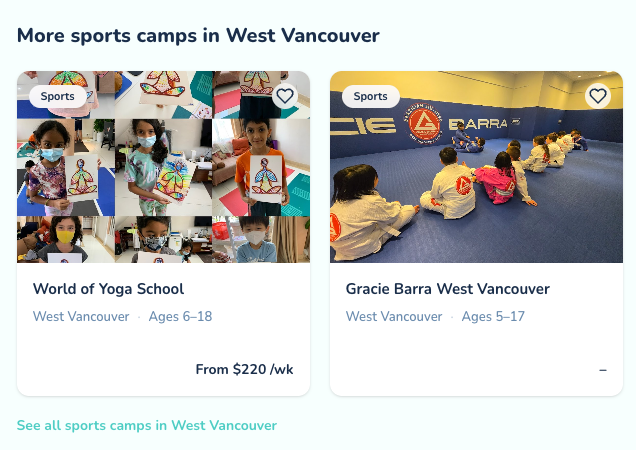
Every listing page now shows related programs at the bottom, matched by city and activity type. If a camp is not quite the right fit, you can see other options nearby without starting your search over. Each set links through to all programs of that type in the city.
Message providers directly
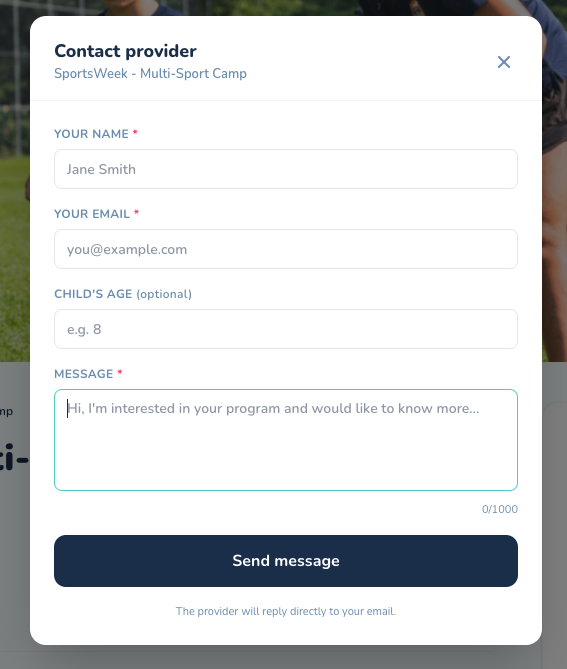
You can now contact providers right from their listing page. Click the new Contact Provider button, write your message, and it goes straight to the provider's inbox. They reply directly to your email, no phone tag required. Whether you're asking about availability, age fit, or what to pack, it's the fastest way to get answers before you commit. Look for the button next to Save on any listing.
Introducing The Scout
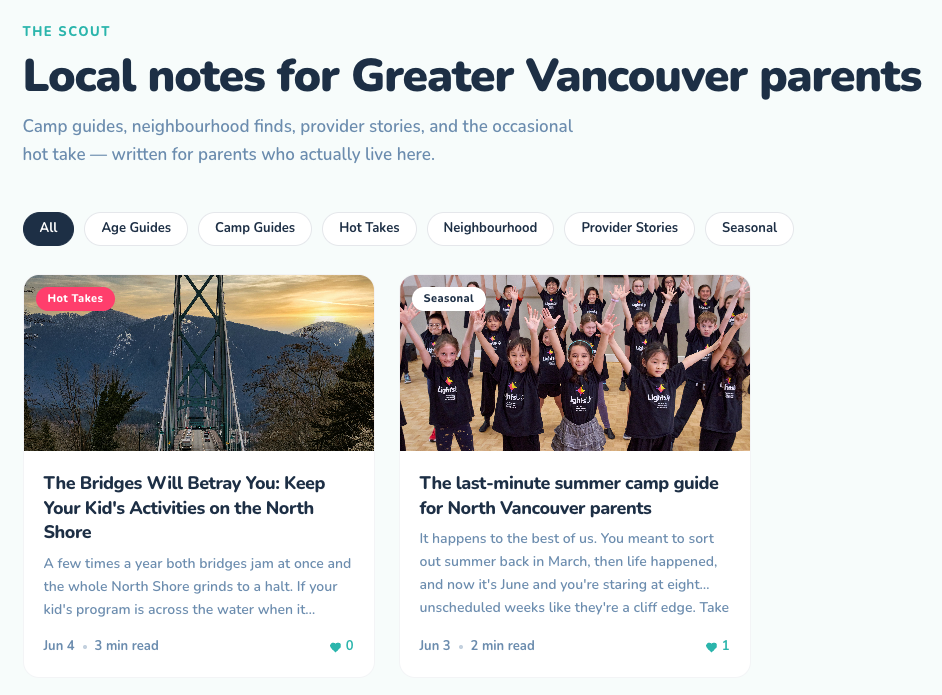
We've launched The Scout, our new local journal for Greater Vancouver families. Expect camp guides, neighbourhood finds, provider stories, seasonal roundups, and the occasional hot take, all written from a local parent's perspective. It's a place to discover what's worth your kids' time beyond the search results. Take a look and let us know what you think.
Track impressions
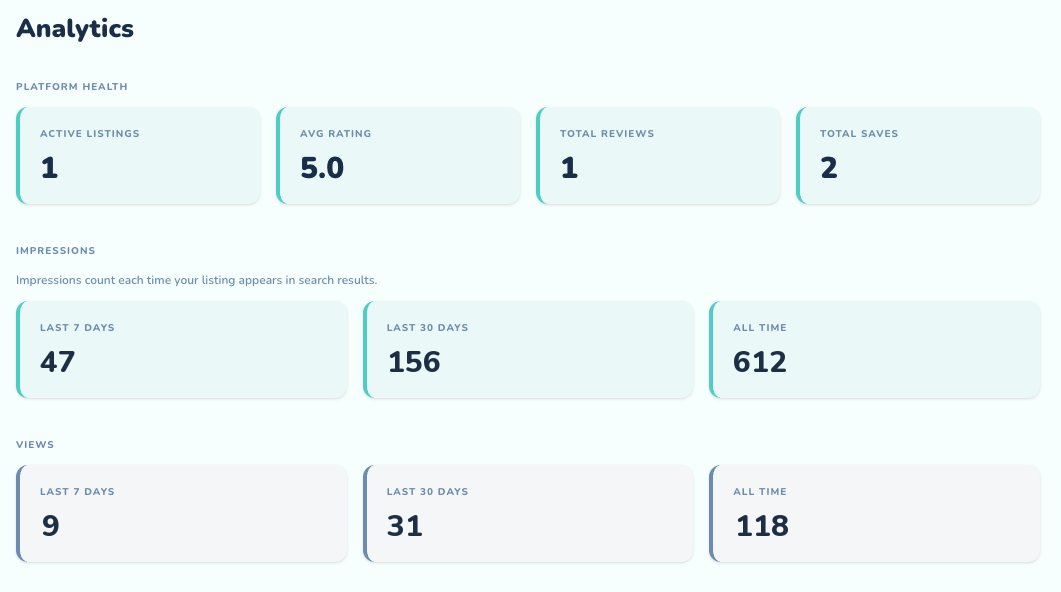
Your analytics now include impressions — a count of how many times your listings appear in parent search results. It's the top of your funnel: impressions show your reach, even before a parent clicks through to view your listing or send a booking request. Track impressions over the last 7 days, last 30 days, and all time in your analytics dashboard. Head to Analytics to see your numbers.
My Shortlist just got smarter
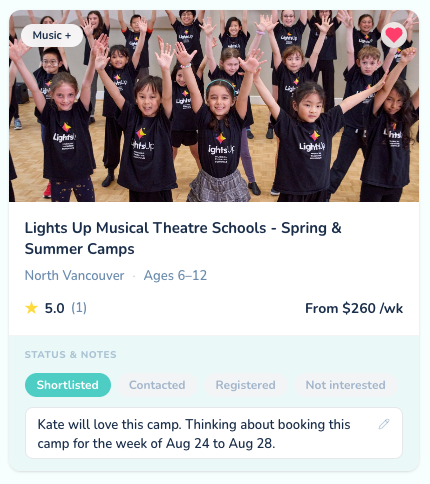
Your saved listings now have status tracking and private notes. Use the new status pills to track where you are with each option — Shortlisted, Contacted, Registered, or Not Interested. Add a private note to any listing to remember what matters: a registration deadline, something you heard from another parent, or just why you saved it. Notes are visible only to you, never shared with providers. Head to My Shortlist to try it out.
Smarter Search
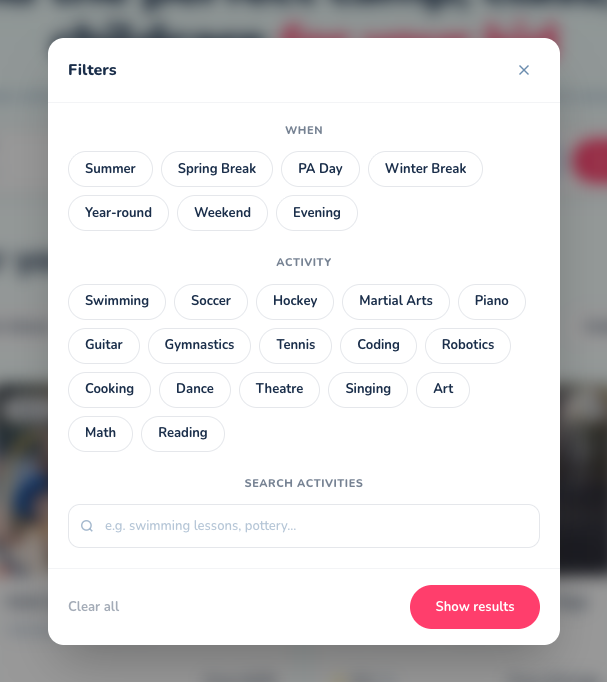
Finding the right program just got a lot easier. We've added a new Filters button to search that lets you narrow results by season (Summer, Spring Break, PA Day, and more) and specific activity (Swimming, Soccer, Piano, Coding, and more). You can also now type directly in the search box to find programs by name or activity. Search "swimming lessons" or "outdoor coding camp" and we'll find programs that match. Results are shareable too — your filters are saved in the URL so you can send a search to a friend or bookmark it for later.
What's new on What's New?
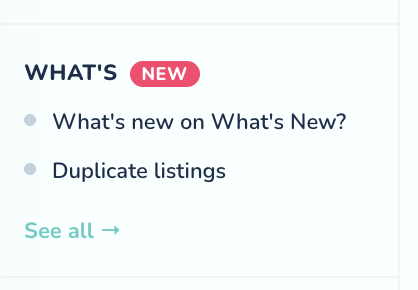
We just added a What's New page to SkimScout — and yes, you're currently reading it. This is where we'll post new features, improvements, and fixes as we build them out. Providers will also spot a compact version in their dashboard sidebar, complete with a little pink badge when something new drops. Consider this our way of keeping you in the loop without sending you an email every time we fix a typo.
Duplicate listings
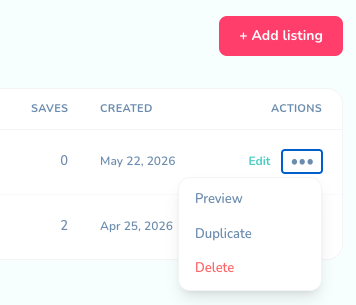
You can now duplicate any existing listing directly from your My Listings page. Click the action menu on any listing and select Duplicate — a copy is created instantly as a draft with all your program details carried over, ready for you to update the address and photos for a new location. This is especially useful if you run programs at multiple locations or want to create a seasonal variation of an existing listing.